How Cheerlify works for runners
Four steps from creating your race to hearing your friends in your headphones mid-race.
 01
01Create your race in the app
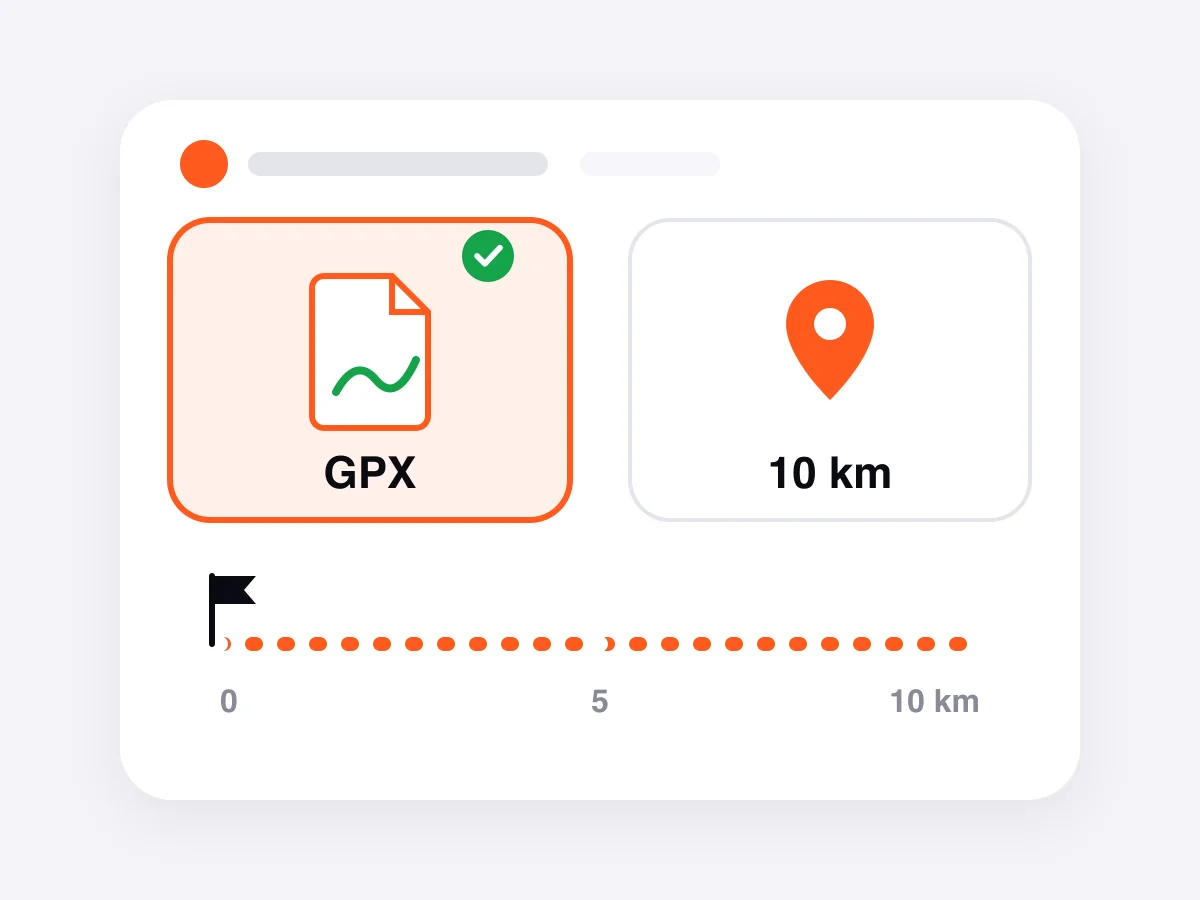
Give it a name and a start time. Have the course GPX? Upload it, so followers see the route and your finish prediction works. No GPX? Choose “I don't have a GPX” and enter the race distance in km; your distance then comes from GPS. Just a training run? Pick free run.
Got a gift pack? Open the race in the app and put the pack on it: more live viewers, extra cheers and video cheers.
 02
02Invite your followers
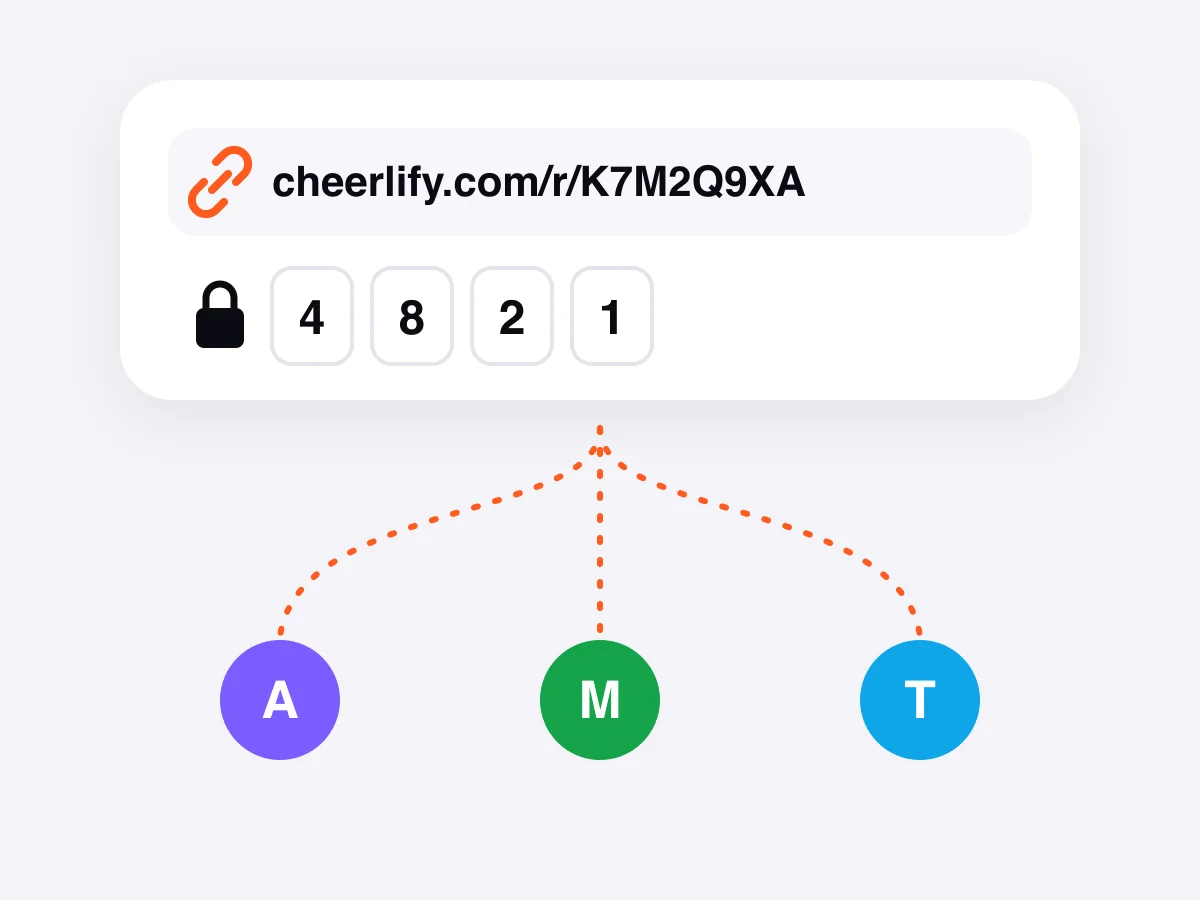
Share the race link from the race page in the app, with the access code if your race uses one. Family and friends open it in the browser: no app, no account.
Running with a partner? Create ONE race with Multiple runners switched on, then invite your partner from the race page. They don't create a race of their own, so followers and cheers stay in one place.
 03
03On race day, start tracking
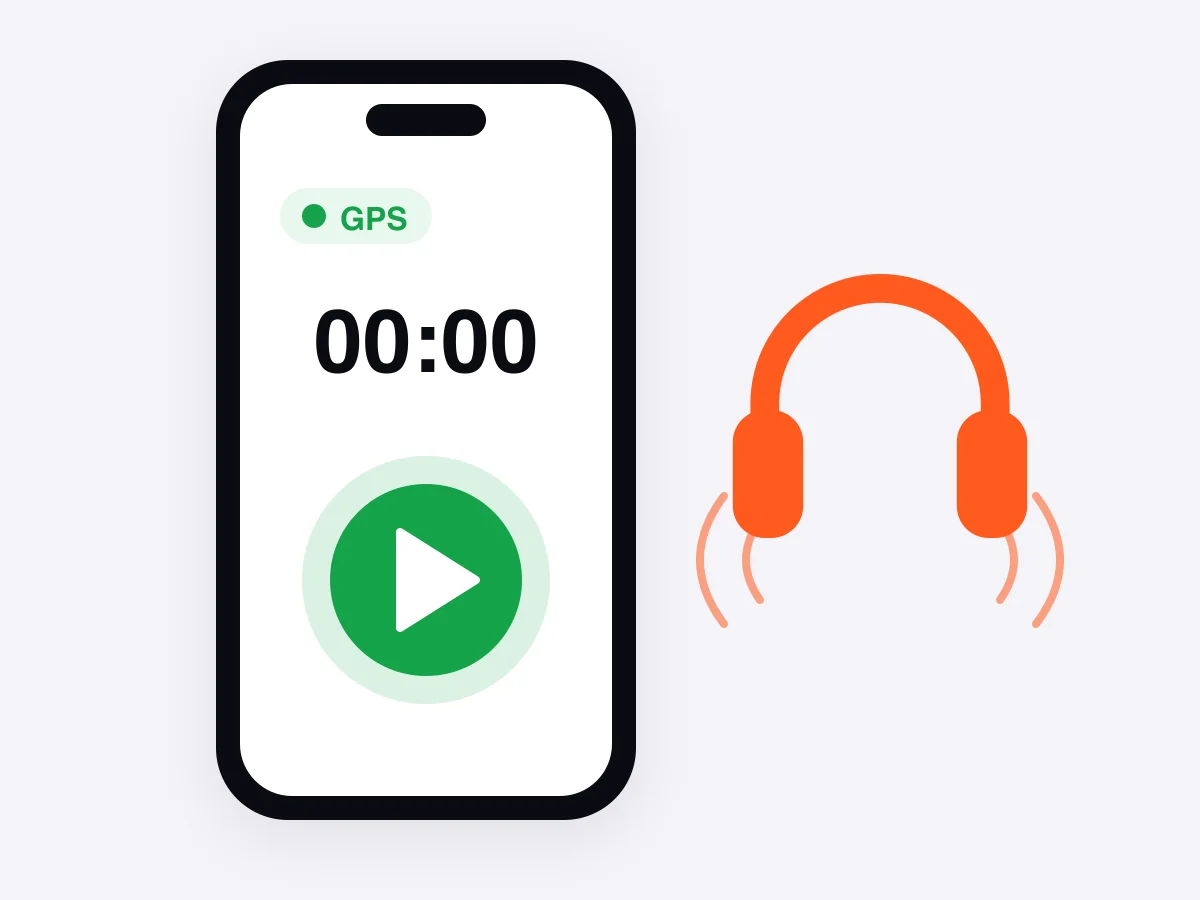
Before the start, open the race in the app, tap Start tracking and put your headphones in. The phone can go in your pocket with the screen locked: tracking keeps running.
 04
04Hear the cheers
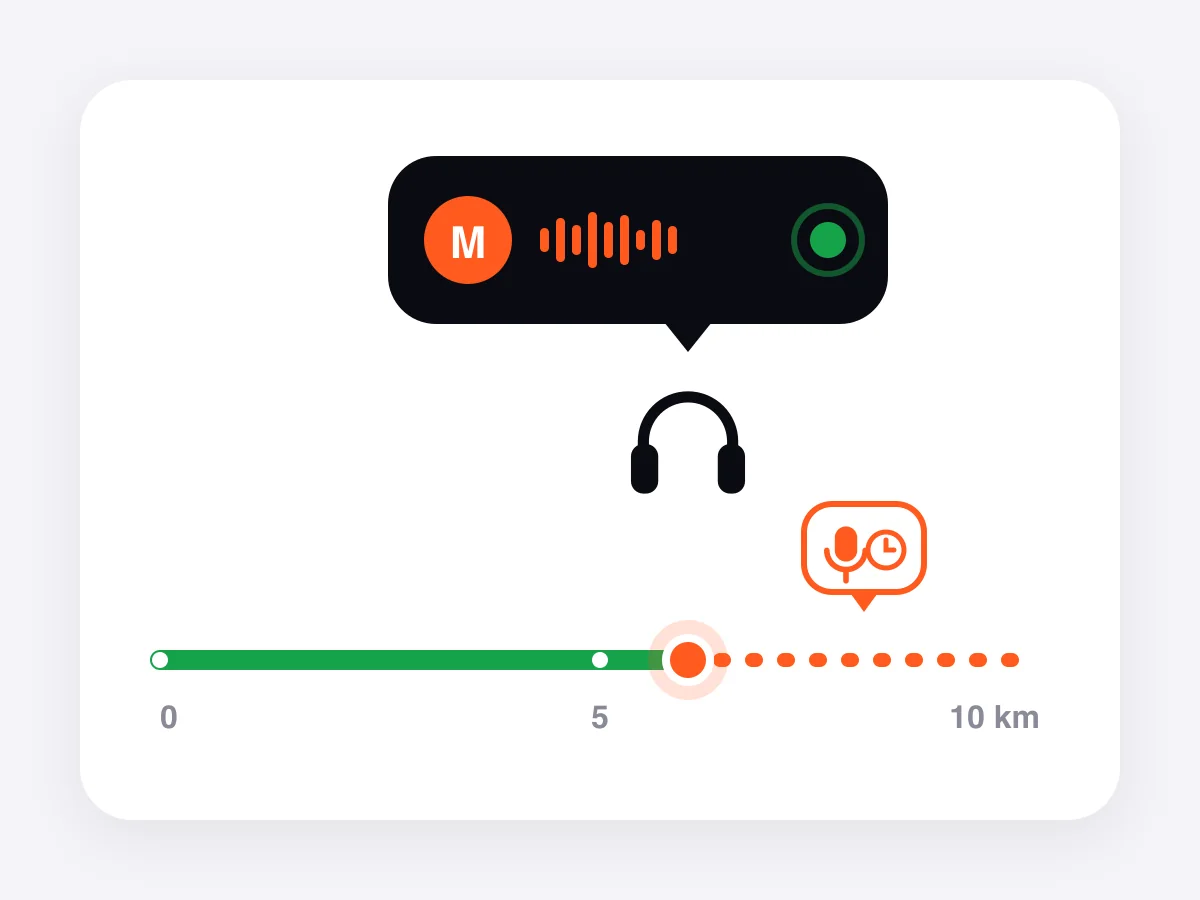
A cheer sent while you run plays in your headphones right away, over your music. Friends can also record one ahead and pick the km where it plays, for the stretch where you'll need it most. After the finish, every cheer stays in your recap.
Ready for race day?
Get the app, create your race and send the link today. Following is free for your supporters.