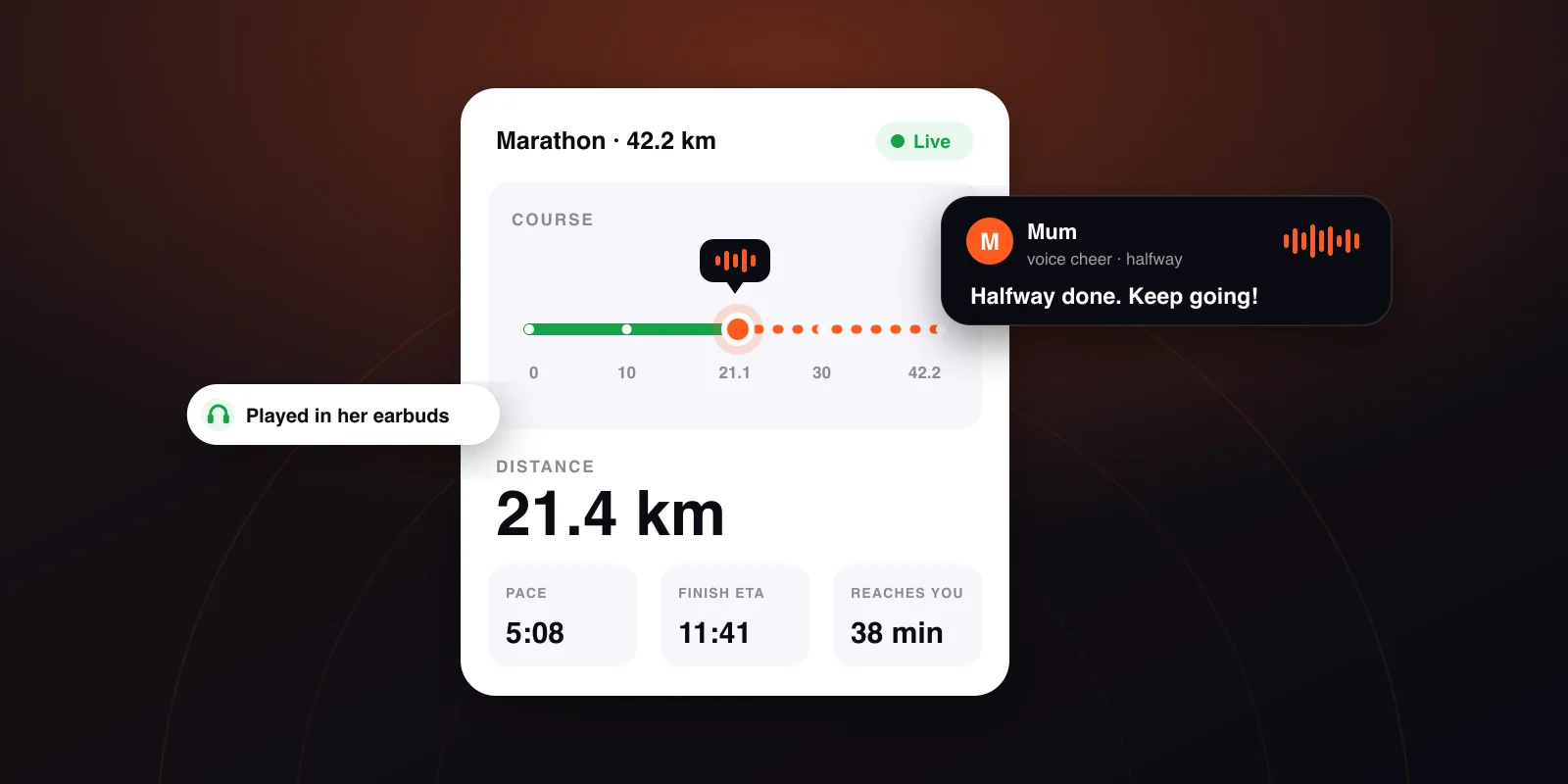
How to track a runner live at a race: the complete guide
Chip splits, GPS tracking, where to stand and what to say. What a spectator can actually see during a marathon, what usually breaks, and the backup plan.
In this article
Someone you know is running a race and you want to know where they are. This guide covers what you can actually see during a race, where that data comes from, when and why it's wrong, and what you can do besides watching a dot move.
People constantly mix up two separate things: the organiser's chip-timed splits and continuous GPS tracking from the runner's own phone. They update at different times and answer different questions.
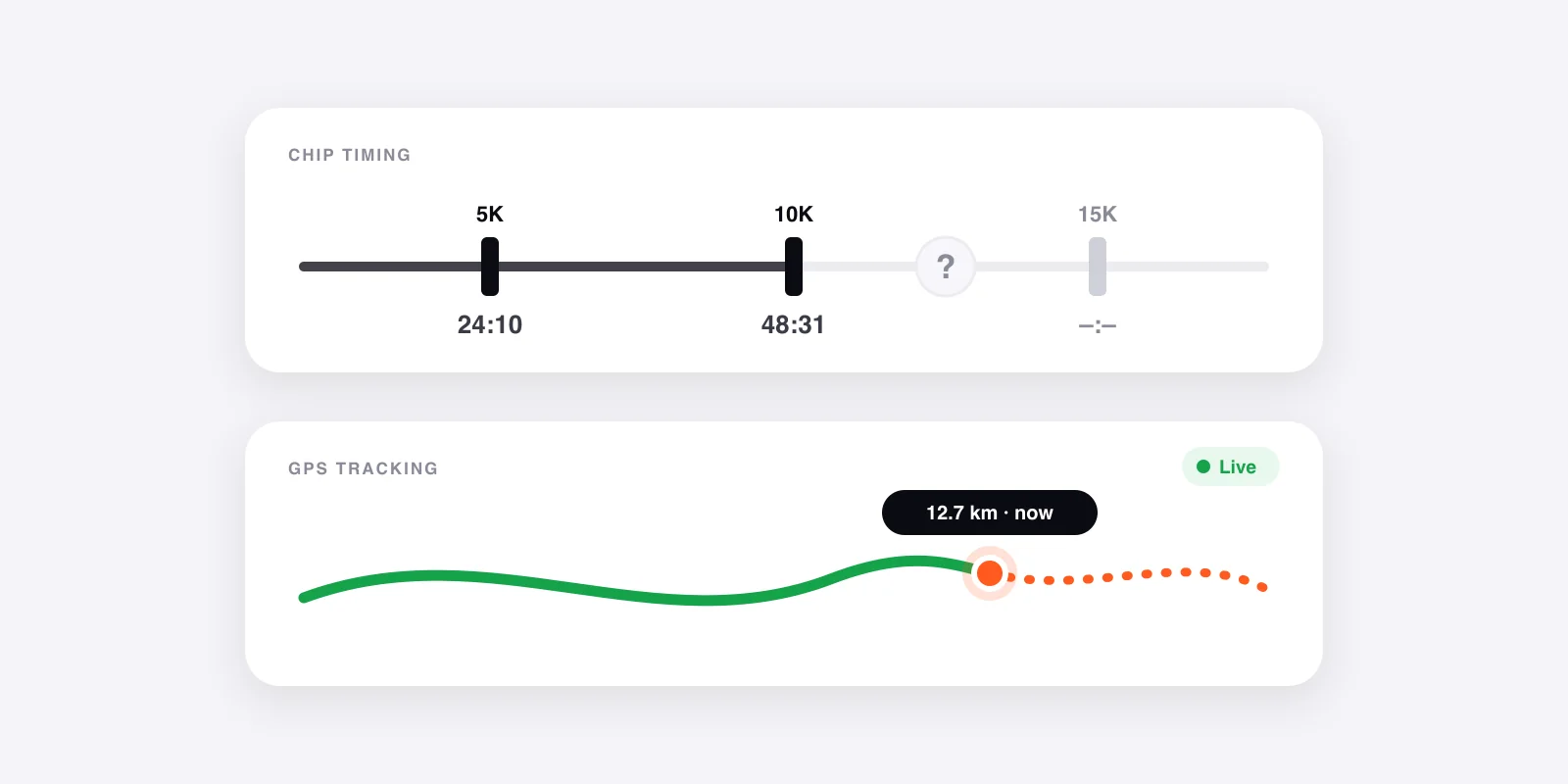
Chip splits: exact, but only at points
The chip on the bib crosses timing mats at a handful of places: the start, every 5 or 10 km, halfway and the finish. Each crossing gives an official, verified time, which is why results are based on it.
As a spectator, you should know two things about it:
- Between the mats there is no data. If your runner has just passed 15 km, you won't hear anything until 20 km. Depending on pace, that's 25–35 minutes of silence.
- The "current position" is calculated, not measured. Most official trackers work out from the last split where the runner should be. If they stopped, slowed down or picked up the pace, the estimate drifts, and from the outside you can't tell.
GPS tracking: continuous, but it depends on a phone
The other option is the runner's phone sending its position every few seconds. This is what most people picture when they hear "live tracking": a moving dot on the map, current pace and a predicted finish time.
It has its own weak spots:
- Signal. In a tunnel, in woodland or between tall city blocks, uploads can lag. A good tracker stores the points and sends them in one batch when the signal comes back, so the dot sits still for a while and then jumps. That's a delay, not an error.
- Battery. A marathon takes 3–5 hours. We measured this separately: how much battery live run tracking really costs.
- The runner has to start it. When a spectator is staring at an empty map, the usual reason is that tracking never started.
What to sort out before race day
Most spectator frustration comes from finding something out five minutes before the gun. Sort these out in race week:
- Bib number. You need it for chip tracking; the organiser's site lets you search by bib or name.
- Start time and wave. At a big race, waves can be 10–30 minutes apart, and gun time depends on which one your runner is in.
- Which GPS tracking there will be, if any. If your runner uses an app, get the link or code in advance. Nobody sets that up mid-race.
- Where you want to stand. For that you need the route and the road closures. More on this below.
Where to stand
Skip the most scenic spot. Look for one where you can see them twice, or where they'll need you most.
- Around 30 km is where a marathon gets hard, and a familiar face counts for the most there.
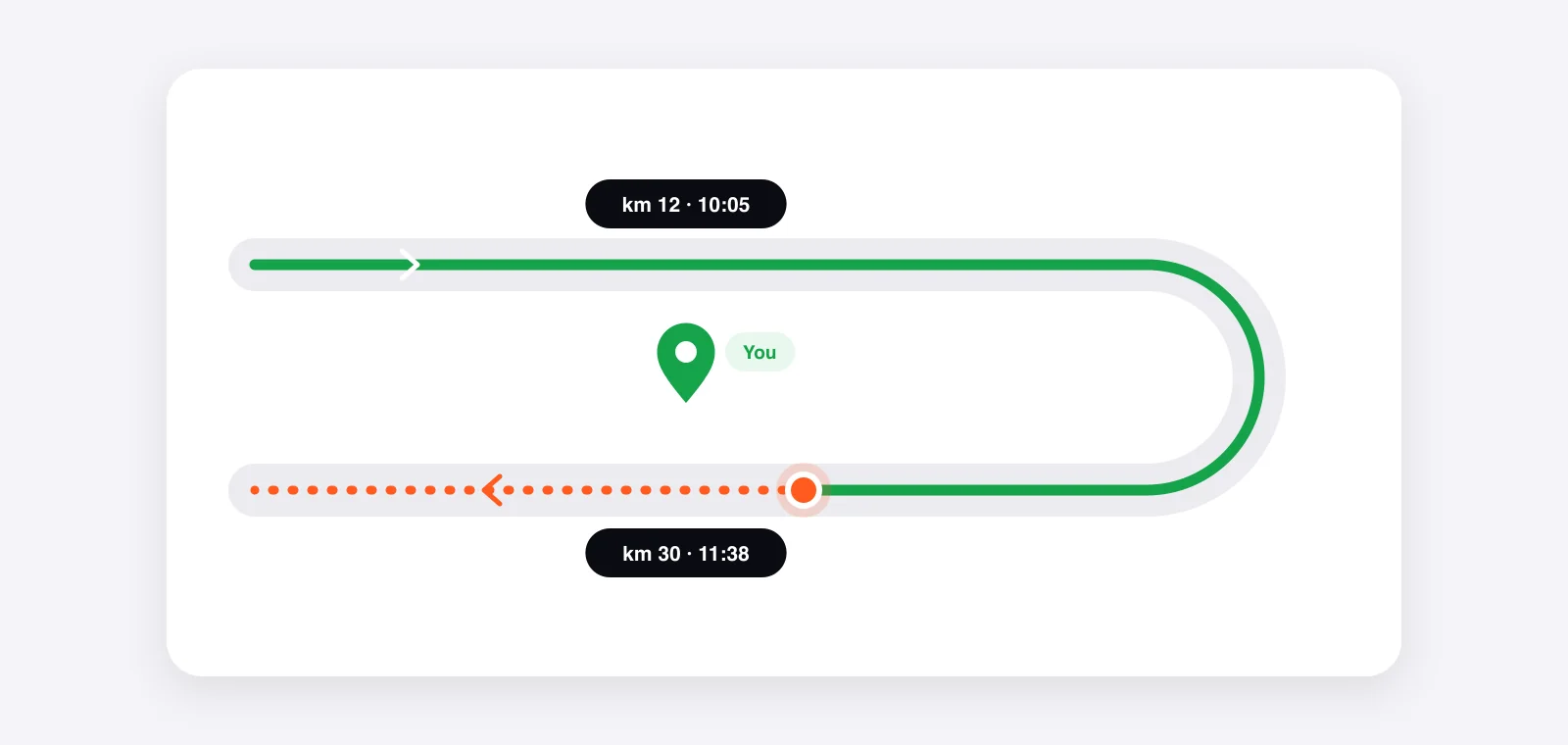
- Out-and-back sections are gold: one spot gives you two sightings a few minutes apart.
- Pick a bend over a straight. Runners slow down through corners, and you can see them coming from a long way off.
- Stay near public transport, because road closures make driving during the race close to impossible.
When watching is not enough
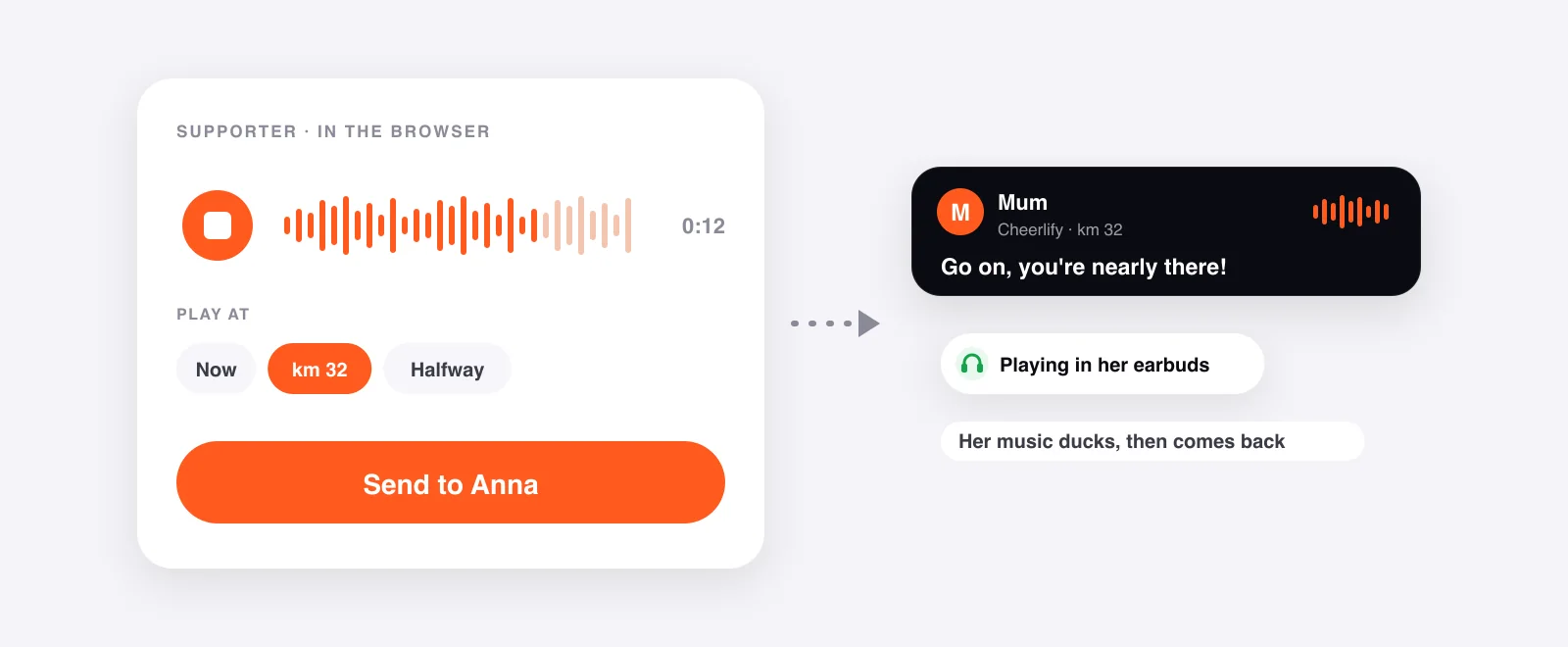
Tracking on its own is passive: you watch someone else do something hard. Cheerlify lets you do more than that. You can record a voice message that plays in your runner's earbuds mid-race, in your own voice rather than a canned line.
Supporters don't need an app or an account. They open a link, type their name, and can then see the runner on the map and send cheers. The app runs on the runner's phone, sending GPS and playing the messages, even with the phone in a pocket and music on.
For ideas on what to say, we keep a separate list: what to say to a runner, with 30+ lines sorted by stage of the race.
What usually breaks, and the backup plan
"The official tracker isn't updating." Usually the runner just hasn't reached the next mat yet. Check where the last one was and work it out from their pace; that tells you when to expect news. If the system misses a mat (it happens), the next one usually puts it right.
"The dot is frozen." With GPS tracking this is almost always a delayed upload: the phone is holding on to points until it gets signal again. Give it a few minutes before assuming anything.
"I can see nothing at all." Either tracking never started or the phone died. It helps to agree that the runner will send a quick message before the start to say tracking is on.
"I don't know if I'll find them at the finish." Finish areas at big races are fenced off and crowded. Agree in advance on a meeting point outside the finish area, and on how long you'll wait for each other.
Frequently asked questions
Do I need an app to follow someone?
Not for chip tracking, which lives on the organiser's website. Not for Cheerlify's GPS tracking either: a supporter opens a link in the browser, with no sign-up. Only the runner installs an app.
How accurate is GPS tracking?
A few metres in the open. Between tall buildings the signal bounces and the dot can jump around. We match the signal to the race route, so distance and pace stay sensible even when a single point goes astray.
Can I follow more than one runner?
Yes. If several of you are in the same race, one event covers everyone, with a tab per runner showing their own pace and goal time.
What does it cost?
Tracking is free. For more voice cheers, you add a pack to that race. The packs and prices page shows what each one includes.
Follow your runner live — and be in their ears.
Cheerlify shows your runner's live position on the course map and plays your voice cheers in their earbuds mid-race. Supporters need no app and no sign-up.
Keep reading
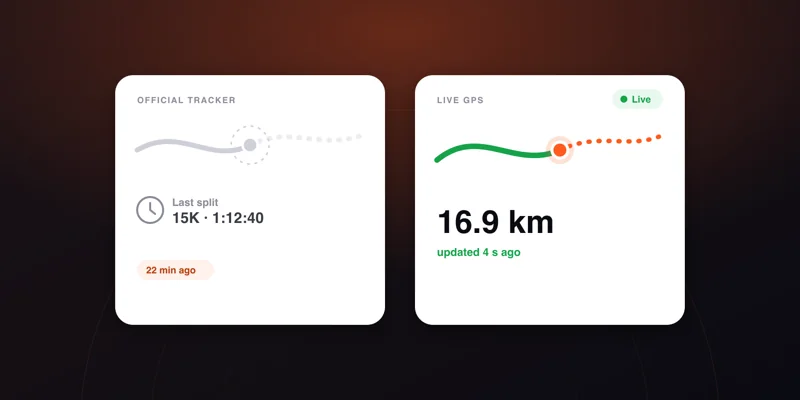
Race tracker not updating: why, and what to do
The dot is frozen, or there has been no split for twenty minutes. The causes from most to least likely, and the point at which it is actually worth worrying.
5 min read →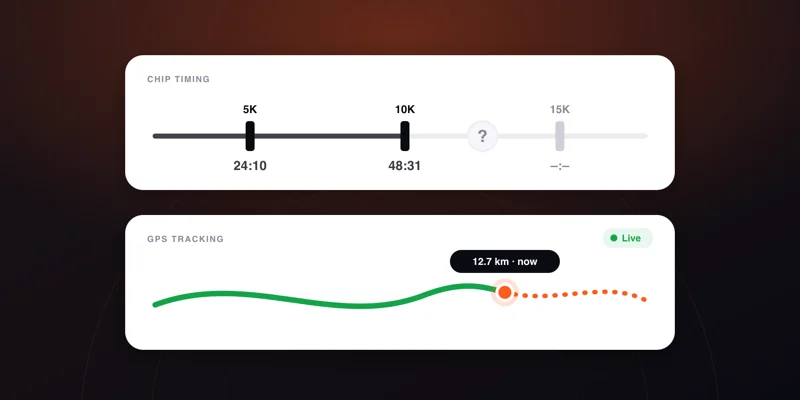
Chip timing vs GPS tracking: what each one measures, and why they disagree
The chip on the bib and the phone in the pocket answer different questions. What each measures, why the distance and pace differ, and which to watch when.
4 min read →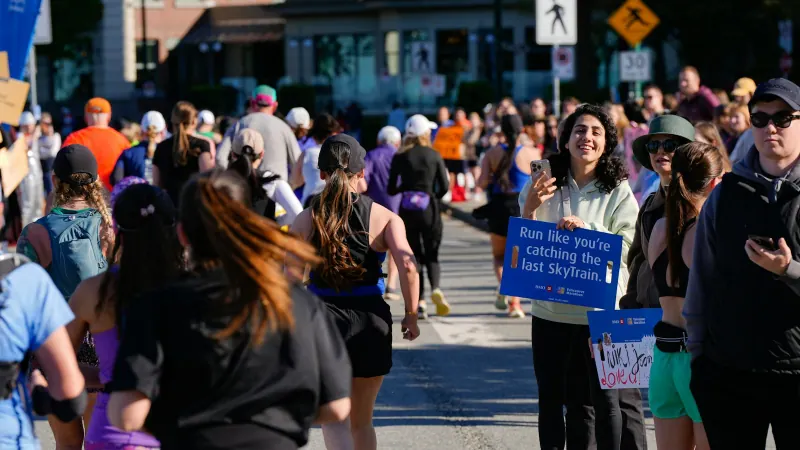
What to say to a runner: 30+ cheers for every stage
The one page to open before you record your first cheer.
2 min read →