Race tracker not updating: why, and what to do
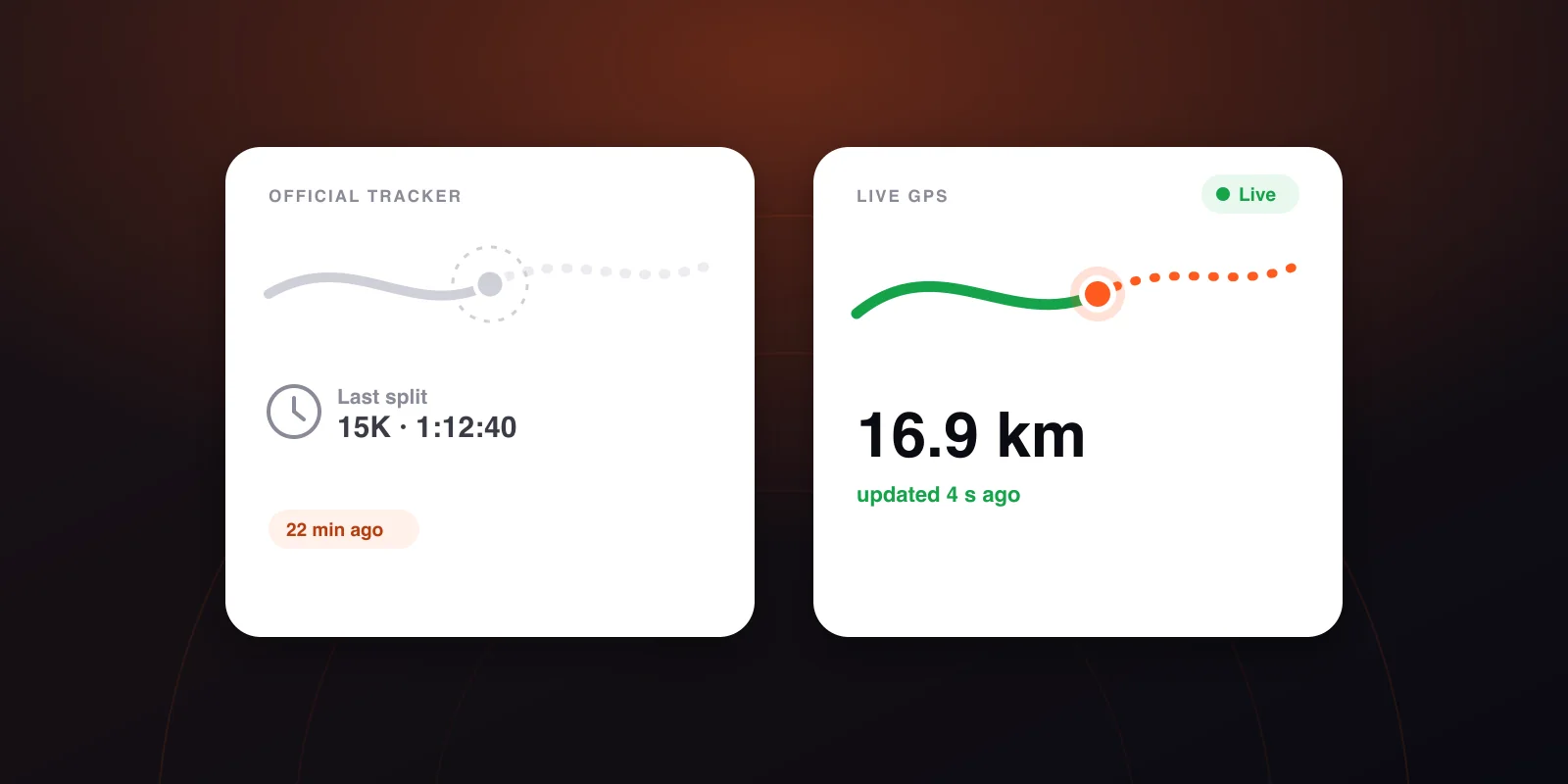
The dot is frozen, or there has been no split for twenty minutes. The causes from most to least likely, and the point at which it is actually worth worrying.
In this article
Someone you know is racing, you're watching the tracker, and nothing is happening. The last split came in twenty minutes ago, or the dot hasn't moved on the map. Below are the causes, most likely first, and the signs that something is genuinely wrong.
The short answer: in the vast majority of cases the system has gone quiet and your runner is fine. We'll also cover the cases where that isn't true.
First: which tracker are you looking at?
That decides how much silence is normal.
- Chip split tracking (the organiser's site): the runner only "exists" at the timing mats. Between two mats there is no data at all, and with mats every 5–10 km that's 25–60 minutes of silence.
- GPS tracking (from the runner's phone): it should update every few seconds, so a gap of more than a minute already means something.
If you're not sure which one you have: a page with a bib search and the word "split" is chip timing, and a moving dot on a map is GPS. More on the difference: chip splits vs GPS tracking.
When chip tracking goes quiet
1. They haven't reached the next mat. This is by far the most common cause. Find the last mat and the next one, then work it out from their pace: 5 km at 6:00/km is 30 minutes. Nothing you do will produce news before then.
2. The system missed a mat. Now and then a mat fails to read a chip because the bib is worn in the wrong place, the field is dense, or there's a technical fault. The next mat almost always puts it right, and the missing split often shows up retroactively.
3. It's the website, not the runner. In the hours after a big start, the results pages are under load too. Refresh, or open the page in another browser. If the data shows up there, your page was stuck.
4. You're watching the wrong bib. One digit off, or a name search that matched a different runner. Check the bib number, and the start wave if you know it.
When GPS tracking freezes
1. No signal, so the points are queuing. A tunnel, woodland, an underground car park, a dense city block, or just an overloaded cell at the start with ten thousand phones in one place. A well-built tracker throws nothing away: it buffers positions and uploads them in one batch when the signal returns. What you see is a dot that sits still and then jumps. That's only a delay, and the distance and pace come out right afterwards.
2. Tracking never started. This is the second most common cause, and the only one you can head off in advance: agree that the runner messages you once they've started it.
3. The phone died or froze. A marathon takes 3–5 hours. Start at 40% with music playing and that's a real risk. We measured the cost separately: how much battery live run tracking really costs.
4. The phone put the app to sleep. This is what catches out most "live tracking" apps: the operating system suspends whatever is working hard in the background. That's why tracking needs its own background permission, and why a serious app asks for it before the start.
5. The runner stopped. A toilet queue, an aid station, a shoelace, a friend. The dot is showing you exactly what's happening, just not what you wanted to see.
When should you worry?
Rarely. A few signs together do deserve attention, though:
- the GPS dot has been still for more than 15–20 minutes and no new chip split has come in either;
- at the last known point the runner was close to the cut-off time;
- it's very hot or very cold, and they were visibly slowing in the last section.
At that point the one thing that works is to call them. If they don't answer, the organiser's information desk can help. Big races have medical and "find my runner" support, and with the bib number they can see which mat the runner last crossed.
What to sort out for next time
- Get their bib number and start wave before the race.
- Agree that they'll start GPS tracking and tell you once it's running.
- Check where the timing mats are, so you know how much silence is normal.
- Agree on a meeting point outside the finish area, and a time.
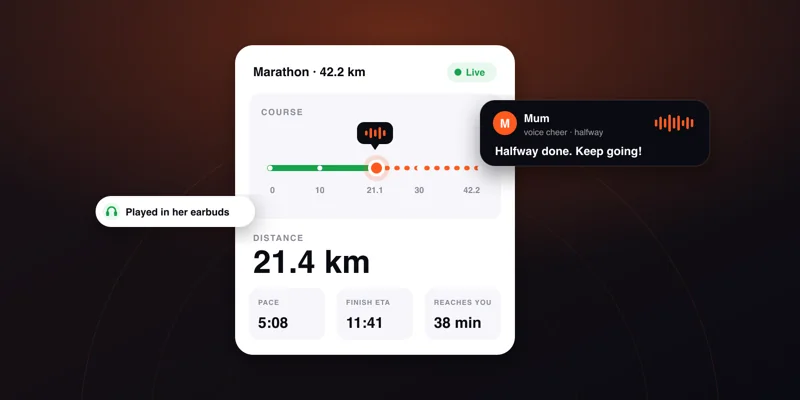
And if you want to do more than watch, Cheerlify lets you send a voice message that plays in their earbuds mid-race. Supporters don't need an app or an account.
Frequently asked questions
How long does the dot have to be frozen before it means something?
With GPS tracking, 5–10 minutes is well within normal and usually down to signal. Past 20 minutes, check the chip splits too. With chip tracking, go by how far apart the mats are rather than how much time has passed.
Does the distance catch up if a stretch was missed?
With GPS, yes: when the signal returns, the phone uploads the points it buffered and the distance fills in. A missed chip split doesn't come back, but the time at the next mat will be exact.
Why does the dot jump around downtown?
Tall buildings reflect the GPS signal, and the receiver sometimes measures a bounced one. That's why we match the position to the race route: the dot stays on the course, and one bad reading doesn't throw the pace off.
Do the organiser's tracking and GPS tracking interfere with each other?
No. The chip is on the bib and the GPS is in the phone. They're two separate systems that know nothing about each other, so watch both: one gives you the official time, the other shows where they are right now.
Follow your runner live — and be in their ears.
Cheerlify shows your runner's live position on the course map and plays your voice cheers in their earbuds mid-race. Supporters need no app and no sign-up.
Keep reading
How to track a runner live at a race: the complete guide
Chip splits, GPS tracking, where to stand and what to say. What a spectator can actually see during a marathon, what usually breaks, and the backup plan.
6 min read →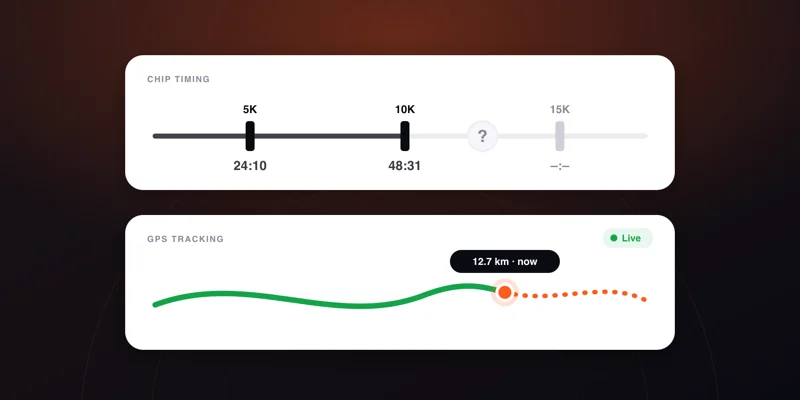
Chip timing vs GPS tracking: what each one measures, and why they disagree
The chip on the bib and the phone in the pocket answer different questions. What each measures, why the distance and pace differ, and which to watch when.
4 min read →
What to say to a runner: 30+ cheers for every stage
The one page to open before you record your first cheer.
2 min read →