
How much battery does live run tracking use? Measured: under 1 % per km
Continuous GPS tracking on a marathon runs for 4–5 hours. We measured what Cheerlify drains on real runs, why it's that little, and what's left at the finish.
In this article
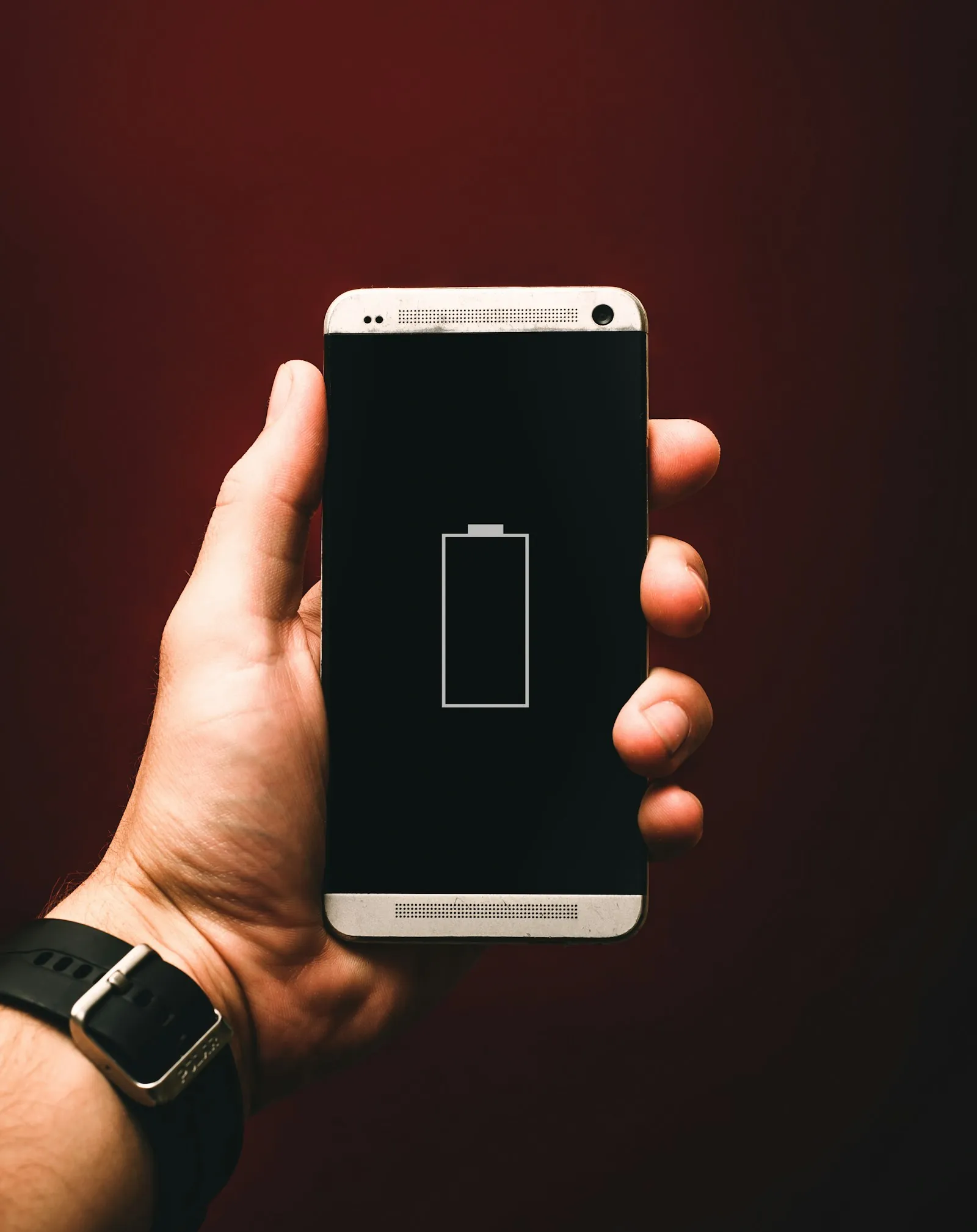
Everyone asks the same thing about live tracking first: will the phone make it to the finish? A marathon is 4–5 hours of continuous GPS. If the app eats 15 % an hour, the runner is left with a dead screen at kilometre 30, which is exactly where supporters most want to see them.
So we built Cheerlify's tracking around the battery and measured it on real runs. This post covers the numbers: what we got, how we measured, and why it's so low.
The result in one sentence
0.6–0.8 % per kilometre on an iPhone 17 with the screen locked and tracking running continuously, across many runs in September 2026. Over a marathon that's roughly 25–34 % from start to finish, so a phone that starts full finishes with about two thirds of its battery.
The coral band is the measured per-kilometre range drawn out to 42.2 km, with the solid line at its middle. The grey band is what most cheering and running apps use (2–3 %/km), since they run high-accuracy GPS the whole time and upload every minute.
| Distance | Drain (0.6–0.8 %/km) | Left from a full charge |
|---|---|---|
| 10 km | 6–8 % | ~93 % |
| Half marathon (21.1 km) | 13–17 % | ~85 % |
| Marathon (42.2 km) | 25–34 % | ~70 % |
How we measured
- Device: iPhone 17, current iOS, battery health 100 %.
- Runs: many runs in September 2026 on city routes (embankment and downtown), at around 5:30/km.
- Setup: the Cheerlify app running, phone in an armband, screen locked the whole time. Tracking was in normal (non-eco) mode, with earbuds connected and cheers playing.
- Reading: we noted the battery % before and after every run and divided by the distance. Those runs all fell between 0.6 and 0.8 %/km.
That's many runs on one device. It isn't a lab test and we don't pass it off as one. These are real runs on a real phone, and we update the numbers after every new batch of runs.
Why so low? Five things that matter
GPS on its own doesn't drain the battery. What drains it is everything the app does around the GPS, and these are the decisions behind the 0.7 %/km:
1. The phone sleeps between fixes
On iOS, location arrives in batches. The system records a point every 5 metres, but instead of waking the app for each one it hands over the whole batch once a minute, and the app stays suspended in between. No points are lost and the line is just as detailed; there's simply no code running in the meantime.
2. One network request a minute, not one a second
After the display, the cellular radio is the biggest power draw. Cheerlify uploads each minute's points in a single request. If there's no signal, the points wait in a queue and go up together once the signal comes back, so there are no retry storms.
3. "Eco" mode when nobody is watching
If nobody is following the runner at the moment and no cheer is waiting, tracking drops to lower accuracy with two-minute batches. As soon as a supporter opens the link or sends a cheer, the next batch is back at full accuracy. The watcher count comes back in the normal response, so this needs no extra request. (The runner can turn eco mode off.)
4. The screen stays locked
In any running app, a screen that's switched on is the biggest drain. Cheerlify doesn't need it during the run: cheers play in the earbuds and tracking runs in the background. We measured with the screen locked, and that's what we recommend on race day too.
5. Audio only when needed
When a cheer plays, the app turns on the audio session just for that playback, and it ducks the runner's own music instead of stopping it. A handful of ten-second-ish messages barely register over a four-hour run.
What you can do on race day
- Start with a full charge, and don't spend the night before photographing your race pack on 40 %.
- Turn Low Power Mode off. It limits background refresh and location on iOS, which is exactly what tracking needs.
- Set location access to "Always". With "While Using", tracking stops once the screen locks. The app explains why during setup.
- Lock the screen and put the phone in an armband or running belt.
- Don't run another tracking app at the same time. Two apps mean two GPS streams and double the drain.
- If you're aiming for more than 5 hours, a small power bank in your belt is reassuring, though the numbers say you won't need it.
What's next
Next time we'll log the battery every kilometre instead of only at the start and finish, test more devices (an older iPhone and an Android phone), and measure normal and eco mode separately. The chart on the landing page and this post use the same data, so when the measurements change, the numbers here change with them.
Frequently asked questions
How much battery does live run tracking use on a marathon?
In our measurements, 0.6–0.8 %/km, which comes to 25–34 % over a marathon. A phone that starts full finishes with about two thirds of its battery.
Do I need a power bank for a marathon?
Going by the measured drain, no. If your phone's battery is worn (below 80 % capacity) or you're planning on more than 5 hours, a small power bank is a sensible backup.
Why does the "Always" location permission matter?
With the screen locked, the app only gets location data if it has this permission. With "While Using", tracking stops as soon as the screen goes dark.
Does eco mode hurt tracking accuracy?
It only kicks in while nobody is watching. As soon as a supporter opens the link, the next batch goes back to full accuracy.
Follow your runner live — and be in their ears.
Cheerlify shows your runner's live position on the course map and plays your voice cheers in their earbuds mid-race. Supporters need no app and no sign-up.
Keep reading
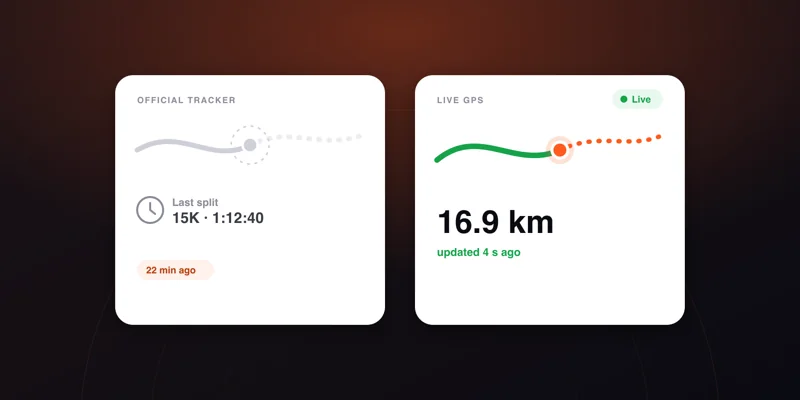
Race tracker not updating: why, and what to do
The dot is frozen, or there has been no split for twenty minutes. The causes from most to least likely, and the point at which it is actually worth worrying.
5 min read →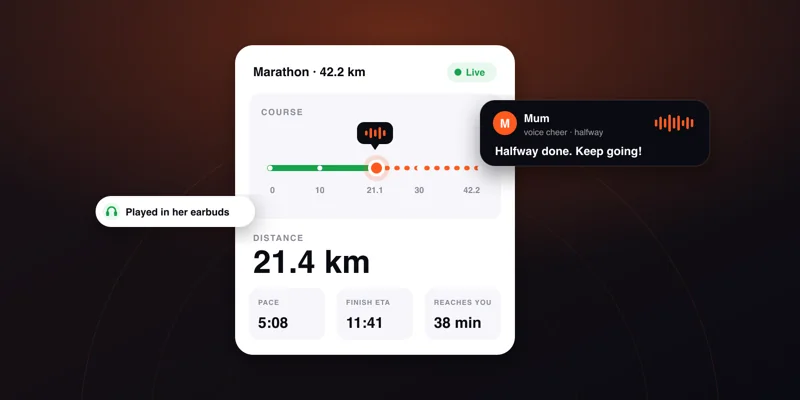
How to track a runner live at a race: the complete guide
Chip splits, GPS tracking, where to stand and what to say. What a spectator can actually see during a marathon, what usually breaks, and the backup plan.
6 min read →
What to say to a runner: 30+ cheers for every stage
The one page to open before you record your first cheer.
2 min read →